
You have about £300 and a setup that could be better. The best gaming upgrades under £300 in the UK are not the same for everyone, because the most useful purchase depends on what is currently holding your setup back. This guide puts the decision in order: find the weak point, rule out free fixes, then spend on the one area that will change how your games feel.
Find your bottleneck before you spend a pound
Pick the symptom that matches your setup best:
- Games run at low or unstable frame rates, even on reduced settings. The graphics card is the likely cause.
- Everything is slow: Windows takes ages to boot, games take minutes to load, and the system stutters when you switch windows. Look at storage and RAM.
- Frame rates are acceptable, but motion looks smeared or choppy and you play fast games. The monitor is probably capped at 60Hz.
- The PC performs well, but your mouse, keyboard, headset or chair let you down. Peripherals and desk comfort are the weak point.
If you play on a PC, open Task Manager while a game is running. If the GPU sits near 100% while the CPU is well below it, the graphics card is the limit. If your memory use is close to full, you need more RAM. If the game stutters while the disk shows heavy activity, storage is the problem.
Console players have a shorter list. Slow load times and a full drive point to storage, which the guide on adding external storage to an Xbox covers. A screen stuck at 60Hz points to the monitor or TV.
Free fixes to try first, so none of the £300 goes on a problem settings can solve
Some problems look like hardware failures and are not. Work through these before buying anything:
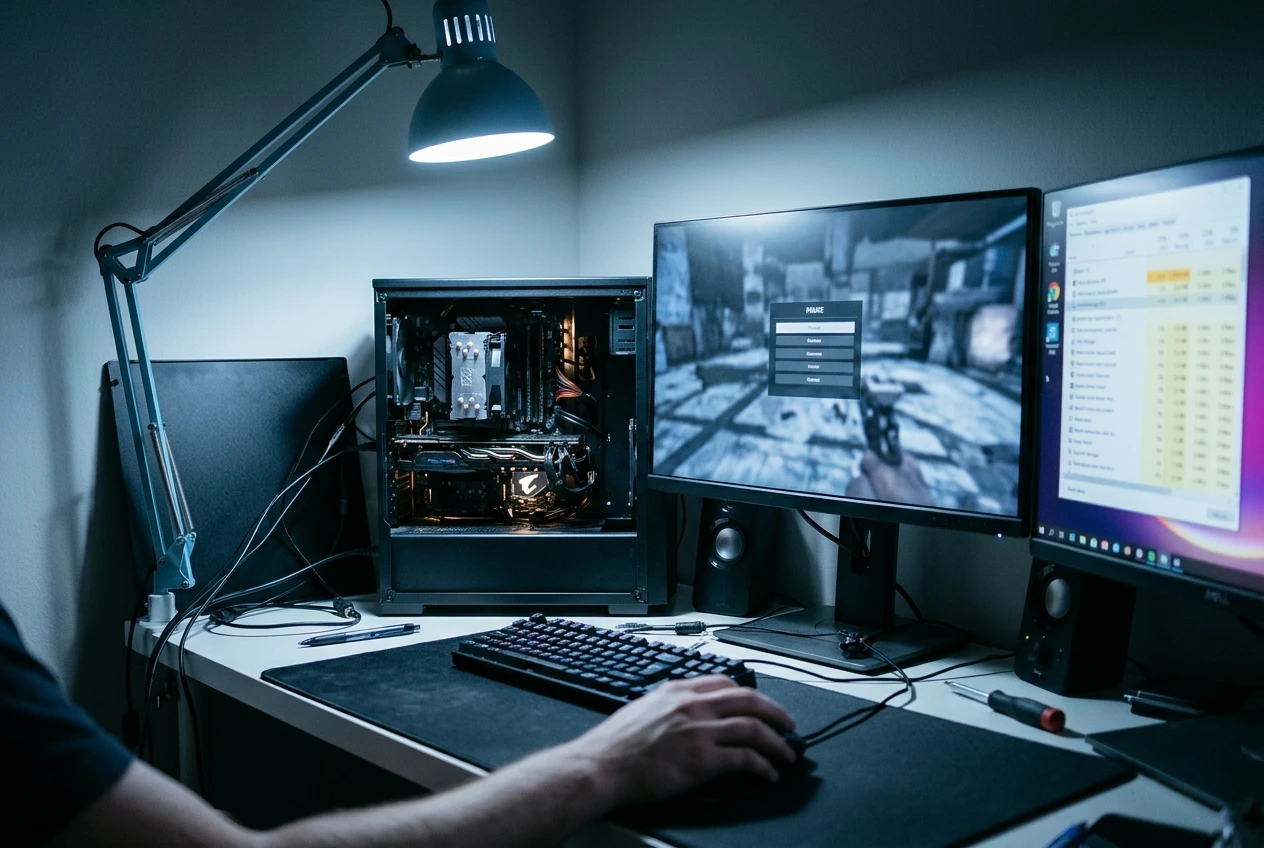
- Check the refresh rate. If you already own a 120Hz or 144Hz monitor, Windows may still be set to 60Hz. Open Display settings, then Advanced display, and choose the highest rate.
- Update graphics drivers from the card maker’s own site.
- Turn on XMP or EXPO in the BIOS if you have fast RAM. Many kits run at a slower default speed until you enable it.
- Lower the settings that cost the most frames. Shadows, volumetric effects and resolution scaling usually give the biggest gain for the smallest visual loss.
- Close background programmes such as browsers with many tabs, launchers and overlays.
- Clean out dust. Clogged fans and heatsinks make components slow themselves down to stay cool.
The guide on getting more FPS from your existing PC before you spend a penny goes through these in detail. If your problem is still there after an hour of this, you have a hardware limit and the rest of this article applies.
If your graphics card is the weak link: what £300 can and can’t do
A graphics card is the single biggest factor in frame rate, so it is the best place to put money if it is clearly the bottleneck. £300 will not buy a current high-end card. What it can do is get you a meaningful step up from an old or entry-level one, and the best way to stretch it is to buy used or refurbished.
Three things decide whether a card upgrade makes sense:
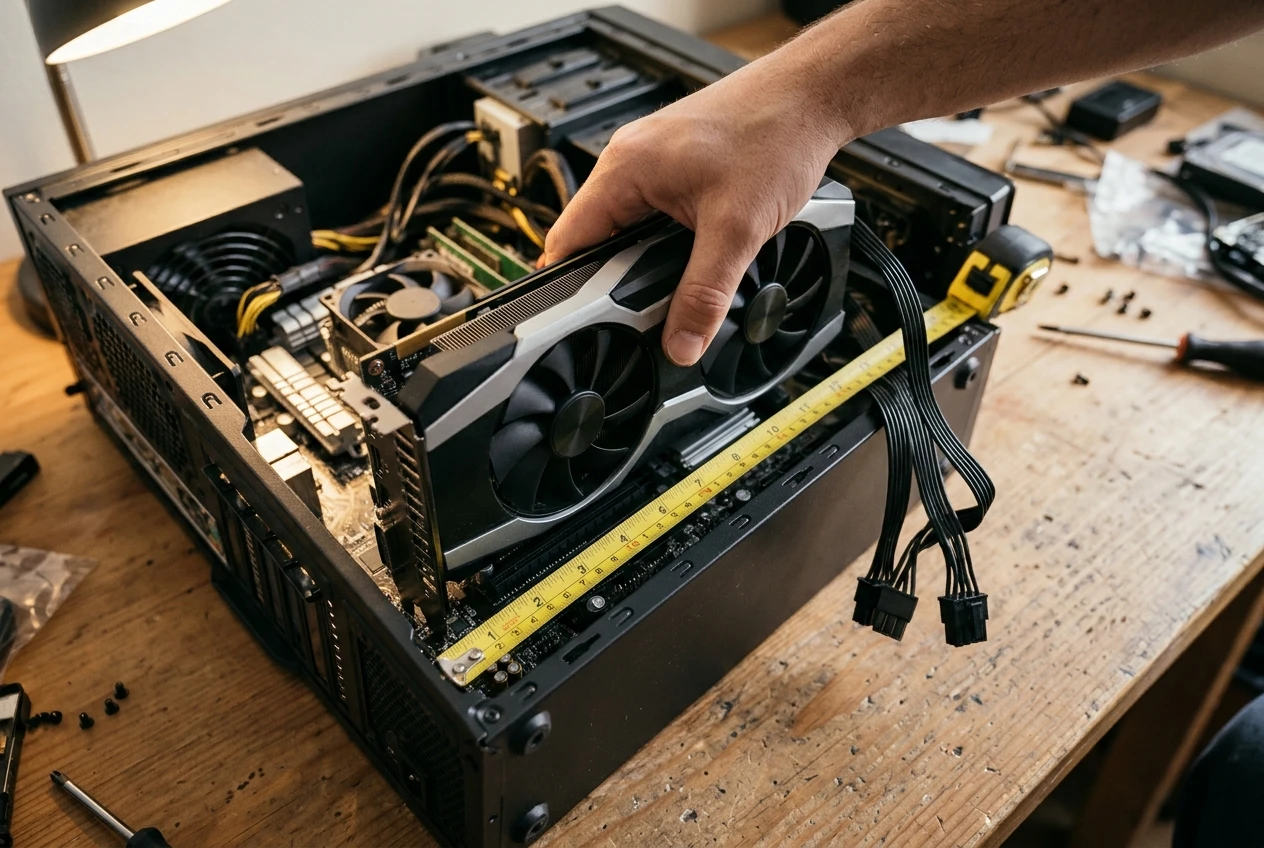
- Your power supply. A more powerful card may need more wattage and specific power connectors. Check your PSU’s label and the card’s requirements before you buy.
- Your case. Measure the space for the card’s length.
- Your processor. A very old CPU can hold back a new card, so the gain may be smaller than expected.
Refurbished makes sense when the seller offers a return window and a warranty, and when the card is a previous-generation model that still handles the games you play at 1080p. It makes less sense for cards from mining-heavy listings with no history or no guarantee. The post on whether a refurbished graphics card is worth the risk lists what to check.
Be realistic about the ceiling. At this budget, a GPU upgrade is aimed at smooth 1080p gaming, not 4K or maxed-out ray tracing.
If your PC feels slow rather than choppy: RAM and SSD upgrades worth the money
Slow loading, long boot times and stutter when you switch tasks usually come from storage or memory, not the graphics card. These upgrades are cheap compared with a GPU and often feel dramatic.
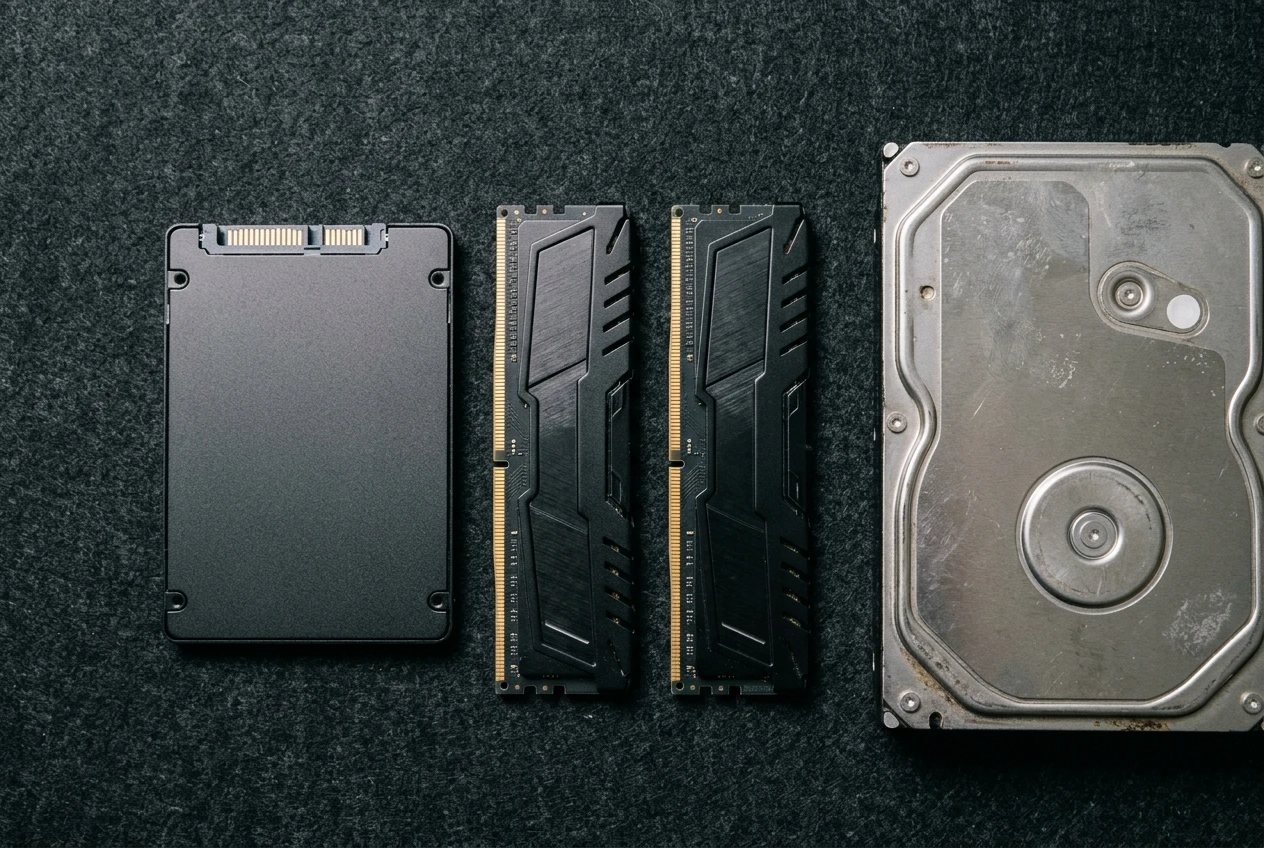
Storage. If your games or Windows sit on a mechanical hard drive, an SSD is the best-value upgrade on this page. Boot and load times fall sharply. A 1TB SATA SSD is a sensible size, since modern games are large and a 250GB drive fills quickly. If your motherboard has an M.2 slot, an NVMe drive is worth considering, but a SATA SSD is perfectly good for game loading and works in more machines.
RAM. If you have 8GB, moving to 16GB is the common fix, and 16GB covers most games. Buy a matched kit of two sticks rather than one large one, so the memory runs in dual-channel mode. Check whether your board uses DDR4 or DDR5 before ordering, because they are not interchangeable.
If you already have an SSD and 16GB, skip this section. More memory or storage will not add anything noticeable.
If your screen is holding you back: when a 144Hz monitor beats any component upgrade
A 60Hz monitor shows at most 60 frames per second, no matter how powerful your graphics card is. If your PC already produces more than 60 FPS in the games you play, a higher refresh rate is the upgrade that lets you see the difference. Fast shooters and competitive games gain the most.
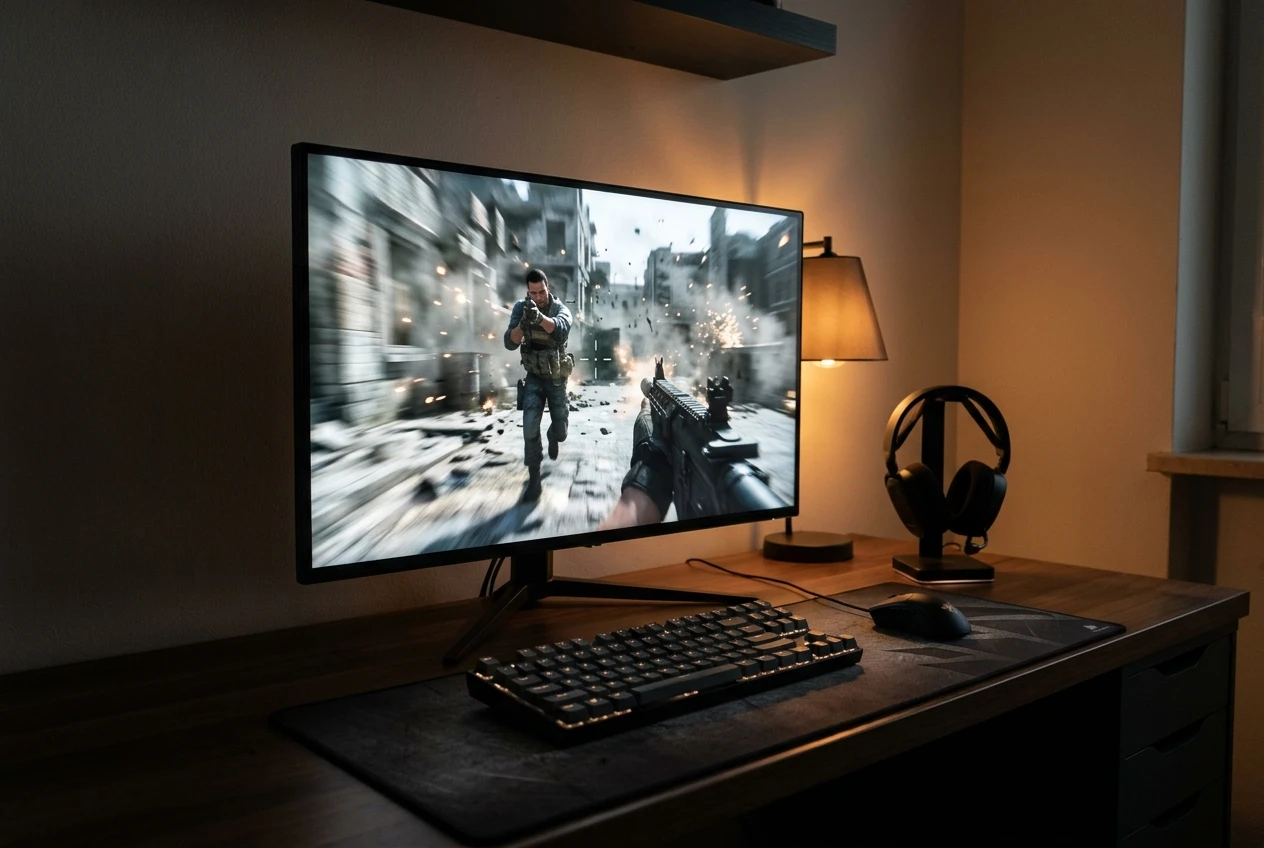
This is also the reason a monitor can beat a component upgrade. A GPU upgrade raises the frame rate your PC produces, but a 60Hz screen would hide that gain. A 144Hz monitor makes motion visibly smoother, and it works with the hardware you already own.
At this budget, look for a 1080p 144Hz screen. IPS panels generally give better colours and viewing angles, while VA panels often have deeper contrast. The guide to the best gaming monitors under £150 in the UK sorts them by refresh rate and panel type.
One caution: make sure your PC can actually reach the frame rates the monitor offers. If it struggles to hit 60 FPS, fix the graphics card first.
Three £300 splits for three kinds of setup
These splits assign a budget to each category. Adjust them to the prices you find, and keep the order of priority.
Split 1: weak graphics card
The aim is frame rate, so most of the money goes to the card.
- About £260: a refurbished or used previous-generation graphics card with a warranty.
- About £40: held back for a power supply upgrade if the new card needs more wattage or connectors than yours provides. If your PSU is fine, put this toward a 1TB SATA SSD instead.
Leave your monitor, keyboard and everything else as they are. If the card does not fit the case or the PSU, you have spent nothing yet, so check first.
Split 2: decent PC, poor peripherals
The PC runs games well, but the gear you touch is cheap. This split spreads the money across the four things you use most.
- About £120: a headset with clear stereo imaging. The guide to budget gaming headsets for hearing footsteps covers this tier.
- About £90: a mechanical keyboard. Choose a switch type that suits your games; the guide on which switch to buy helps with that.
- About £60: a lightweight wired gaming mouse from a mainstream brand.
- About £30: a large cloth mouse pad, which is worth having for tracking consistency.
If your monitor is still 60Hz and you play shooters, consider swapping the keyboard and headset money for a 144Hz screen instead.
Split 3: a better desk experience
Some setups fail because sitting at them for hours is uncomfortable. If you have back pain or a wobbly desk, comfort comes first.
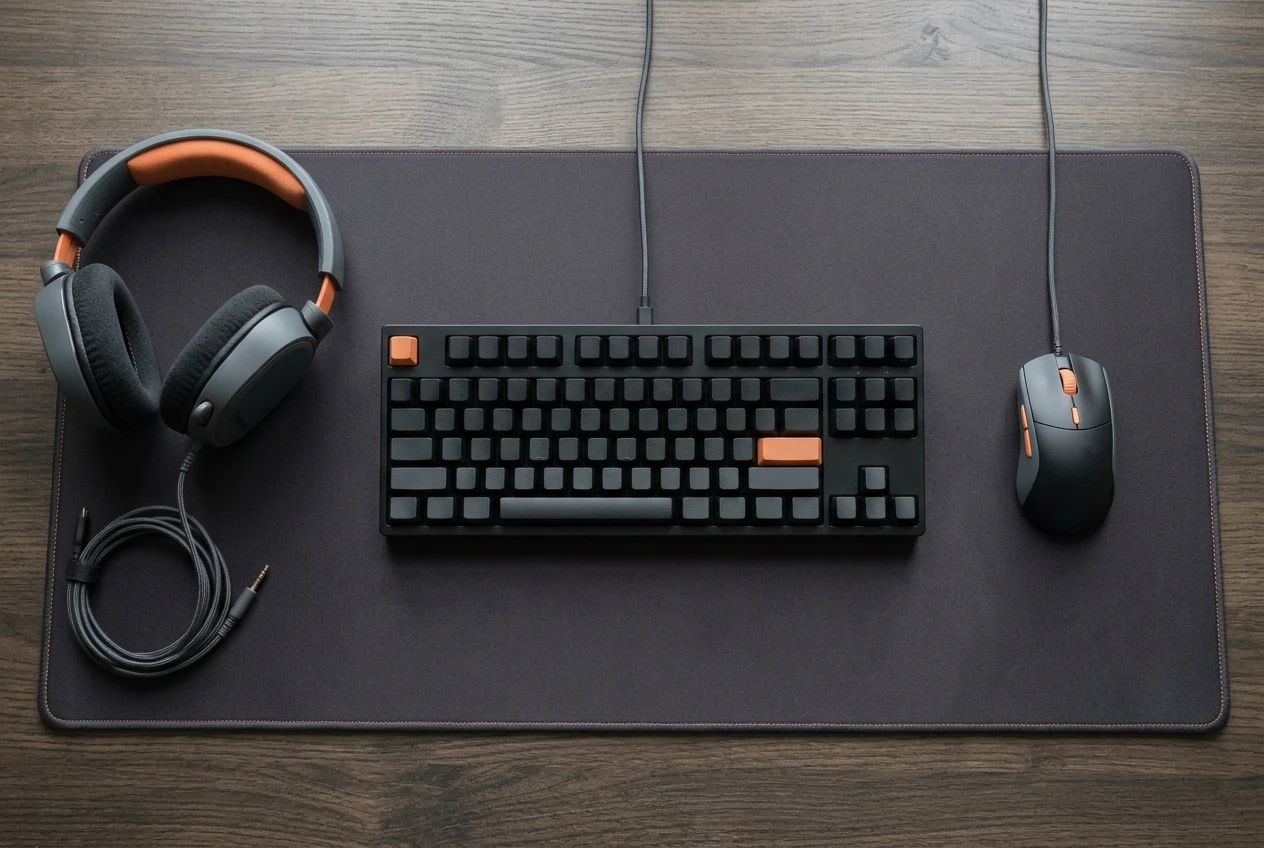
- About £150: a chair and desk. The guide to budget gaming chairs and desks under £150 shows what that amount covers, and it may stretch to one good piece rather than both.
- About £70: a mechanical keyboard with a comfortable layout.
- About £50: a mouse that suits your grip.
- About £30: a large desk mat that covers both keyboard and mouse area.
Fix the item causing the most discomfort first. If your chair is fine and your desk is the problem, spend less on the chair and more on the keyboard and mouse.
What to leave until the next £300
Some upgrades are tempting but add little for the money at this stage:
- RGB lighting and decorative accessories. They change how a room looks, not how a game plays.
- A faster CPU on a working system. Unless the CPU is clearly the limit in Task Manager, it will not improve frame rates much.
- More than 16GB of RAM. Most games do not use it.
- A very expensive mouse or keyboard. Mid-priced models from mainstream brands cover nearly everything a budget gamer needs.
- Speakers when you already have a headset. They add a nicer sound but nothing competitive.
A sensible rule for the second £300: repeat the bottleneck check. The weak point will have moved, and the next purchase should target the new one.
Pick your split and see the products
If your split put most of the money into a screen, the guide to the best gaming monitors under £150 in the UK shows which 144Hz models are worth buying. If your split went to a graphics card, start with the checklist in is a refurbished graphics card worth the risk before you order.