
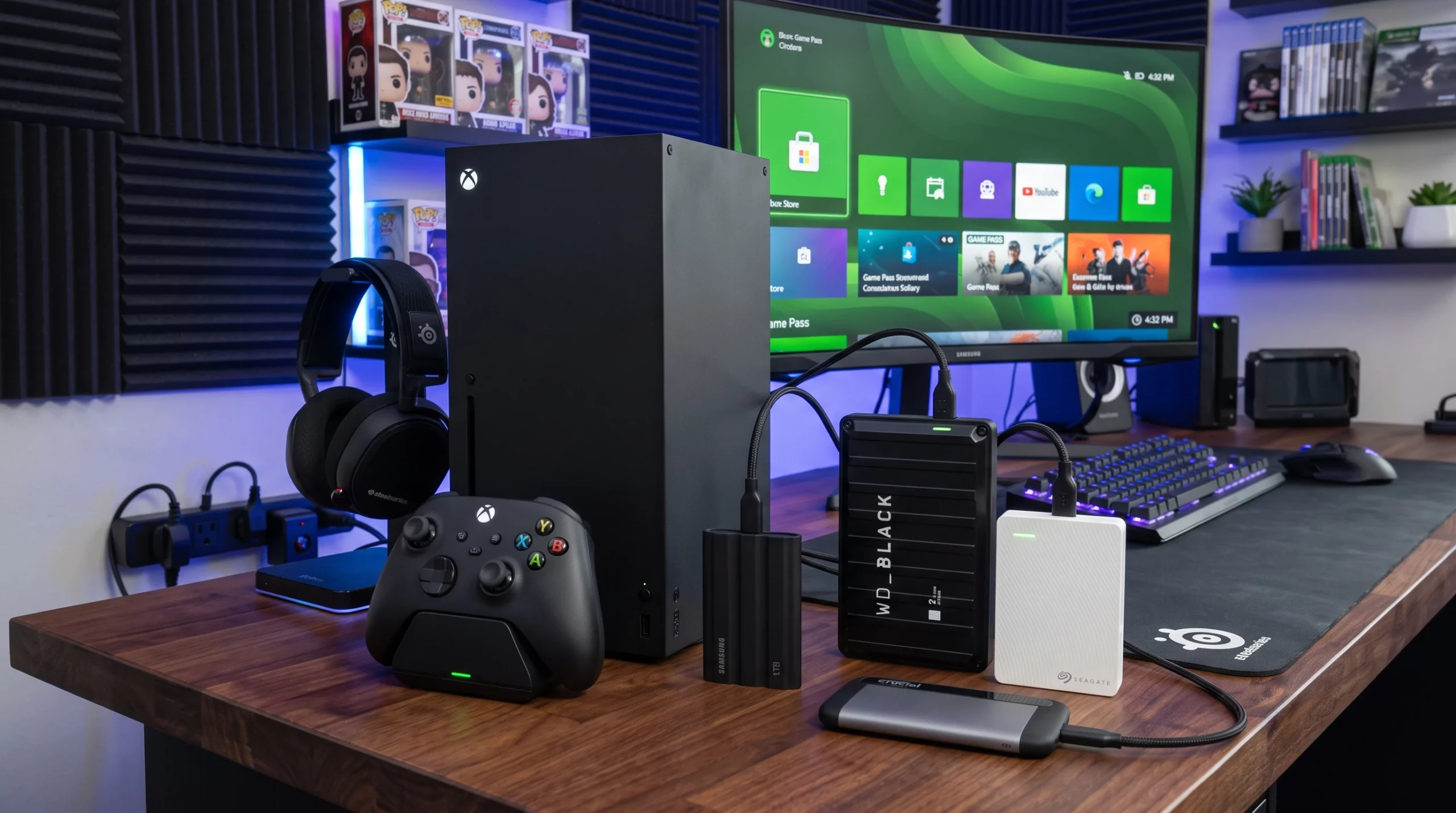
Hello, and welcome to my post for the best xbox external hard drives on the market today. Before I start just want to say if you are in the market for a controller you should check out my previous post here
So external hard drives are pretty handy for any gamer looking to keep their game library flexible, organized, and especially big. If you’re anything like me you know that Xbox internal storage fills up quickly with all those massive game installs like cod and Halo. External hard drives give you a way to keep more of your favourite games on your console without deleting them for newer games and updates.
What Makes a Good External Hard Drive for Xbox?
External drives are not all the same, especially when it comes to gaming. While nearly any USB 3.0 hard drive can plug into your Xbox, your gaming experience and what you can actually do with them depends on a few important details.
Xbox consoles like Series X, Series S, and even Xbox One support a range of external storage options.
- Storage Capacity: Most people go for 2TB, 4TB, or even 8TB drives since game installs are massive. For those who want to never worry about space, bigger is definitely better.
- Speed: USB 3.0 or higher is a must for reducing long transfer times. Solid State Drives (SSD) can load games and assets a lot faster, but they do come with a higher price tag.
- Portability: The lighter and smaller, the easier to carry game libraries between consoles or for travel.
- Design: Some drives come styled specifically for Xbox, which looks cool if you care about matching your setup.
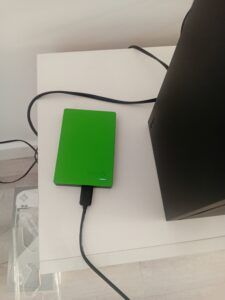
For my setup I use an xbox branded 2tb external hard drive for my older games because I currently have enough internal space for newer games. This is the HDD that I use if you want to check out the Seagate Game Drive 2 TB, External Hard Drive
Top Xbox External Hard Drives for 2026
Choosing the best Xbox external hard drive has a lot to do with your storage habits. Here are some options I’ve either used personally or seen get great feedback from the community in 2026.
- Seagate Game Drive for Xbox (HDD): Still a favourite for plug-and-play ease, the new 2026 versions blend in perfectly. You can get a 2tb or £99
- WD_BLACK P50 and P40 Game Drives: These drives specialize in speed and toughness. Super quick for games that move between storage and system, plus they’re slim and easy to use. The p40 will run you £203 but you can get 6tbs which is more than enough for most gamers and the p50 costs £273.70
-
WD_BLACK C50 1TB Expansion Card for Xbox Series X/S: Not a traditional external drive but definitely worth a look for those who need to play Series X/S optimized titles directly off their storage. It works just like internal storage, and easy to install. External HDD can only play older games like xbox 360 or Xbox one games but you can store newer ones to install onto your console later. But if you want to bypass that and have something that plays everything including new games you should invest in one of these expansions cards.
All these drives connect via USB (except the Expansion Card), making setup really straightforward, expansion card just slot into the back of the xbox.
How External Storage Works with Your Xbox
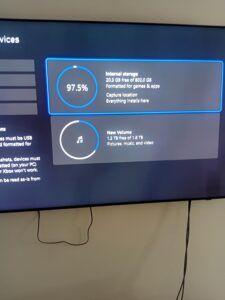
Xbox consoles let you save both Xbox One games and backward compatible Xbox 360 and original titles directly to external hard drives. For Series X/S enhanced games, though, you’ll need the Expansion Card if you want to actually play them from external storage. Other games can just be stored or played right from the drive thanks to USB 3.0 support, which keeps load times reasonable.
Plugging in an external drive is usually as simple as connecting it to a free USB port, following a quick format prompt, and moving your games over. Games recognized by your console appear in the same place as those on internal storage. You can also install new games to the external drive to store them and transfer to your console when you have the space. Save time installing them.
Advanced Tips for Managing Xbox External Storage
Adding more storage is way easier once you understand what works. If you’re rolling with both an external and internal drive, here’s some helpful advice.
- Take advantage of Xbox’s game management tools for moving and copying games between drives; use the “move” or “copy” options from the “My games & apps” menu.
External storage isn’t just about saving space, it’s also super handy for setting up quick game swaps with friends, backups before major updates, or keeping family members’ libraries tidy if you share a console. For those who record gameplay, some drives even run smoothly for storing hours of video clips without a hiccup.
FAQ: Common Questions About Xbox External Hard Drives
Will any external hard drive work for Xbox?
Pretty much any external USB 3.0 hard drive (at least 128GB in size) will work for Xbox One and Series X/S as extra storage. Just remember you’ll need the Xbox Expansion Card (or internal SSD space) to run Series X/S optimized games directly, but the external drives are perfect for older titles, media, and backups.
Why can’t I play games off my external hard drive Xbox?
If you’re trying to play Series X/S games directly from a traditional external (non Expansion Card) drive, the console won’t allow it. That’s because next gen titles are built for the super fast built in SSD or Expansion Card. You can, however, transfer games between drives as needed, which is handy for big downloads.
Can you add external storage to an Xbox?
Absolutely. Both the older Xbox One and newer Series X/S let you add as many external hard drives as you have available USB ports for. Just plug in, format if prompted, and you’re ready to go.
Wrapping Up
External hard drives for Xbox make game management so much easier. Swapping out small SSDs for big external storage helped me worry less about what to uninstall. Games blend neatly in the Xbox interface, and the ability to double up a spare drive for PC work has been genuinely useful.
Investing in the right drive keeps your whole gaming experience running smoothly, and you won’t have to spend as much time managing space between those massive game updates anymore. Pick a reliable, right sized drive and you’ll be set for whatever massive new games drop in 2026 and beyond.