
Is a refurbished GPU worth it in the UK? Often yes, but only under three conditions: you buy from a trader rather than a private seller, the cover runs longer than the bare legal minimum, and you test the card hard in the first few days. Without those, a cheap used graphics card is a gamble. With them, it can be the quickest way to get more performance out of a tight budget.
This guide covers what the listing labels mean, what you gain and risk, your rights as a UK buyer, where to buy, a 15-minute check for when the card arrives, and a clear rule for when to buy new instead.
Refurbished, used or open-box: what each label means
These terms are used loosely, and none has a fixed legal definition, so the listing text matters more than the label.
- Used: previously owned and sold as it is. Nobody has necessarily tested or cleaned it. This is the usual label on private sales.
- Refurbished: the seller or manufacturer says the card has been tested, cleaned and sometimes repaired. How much that is worth depends on who did the work and what warranty backs it.
- Open-box: bought new, then returned, often unused or barely used. This is usually the lowest-risk category.
- Grades such as “Excellent” or “Good”: the seller’s own scale. Look for what the grade covers, such as cosmetic condition only or full testing.
What you gain: moving up a performance tier
The main reason to buy refurbished is that the same budget buys a faster card. A saving on a used card can let you step up a tier, for example to a model with more video memory or one that holds a higher refresh rate at 1080p or 1440p. That gap shows up in games that are heavy on memory, where a faster card with more VRAM can stay smooth and a cheaper new card runs out of room.
The other advantages:
- Older high-end cards sometimes outperform newer entry-level ones.
- Buying used keeps working hardware in use.
- Open-box and retailer-refurbished cards can come with a warranty and a return window.
The downsides are the flip side of the saving. Older generations may lack newer upscaling and ray tracing hardware, and manufacturers eventually stop releasing driver updates for old cards. A used card also usually has less of its manufacturer warranty left, and sometimes none.
What can go wrong: mining wear, dried thermal paste, failing fans and dodgy listings
Most faults on a used graphics card fall into a few groups.
Heavy previous use. Some cards spent long periods at full load, for example in cryptocurrency mining. Opinions differ on how much damage that does to the chip itself, but fans and thermal materials are the clear wear items on any hard-worked card.
Dried thermal paste and pads. Over time the paste between the chip and the cooler dries out, and the pads on the memory chips can harden. The symptoms are high temperatures, loud fans and clock speeds that drop under load.
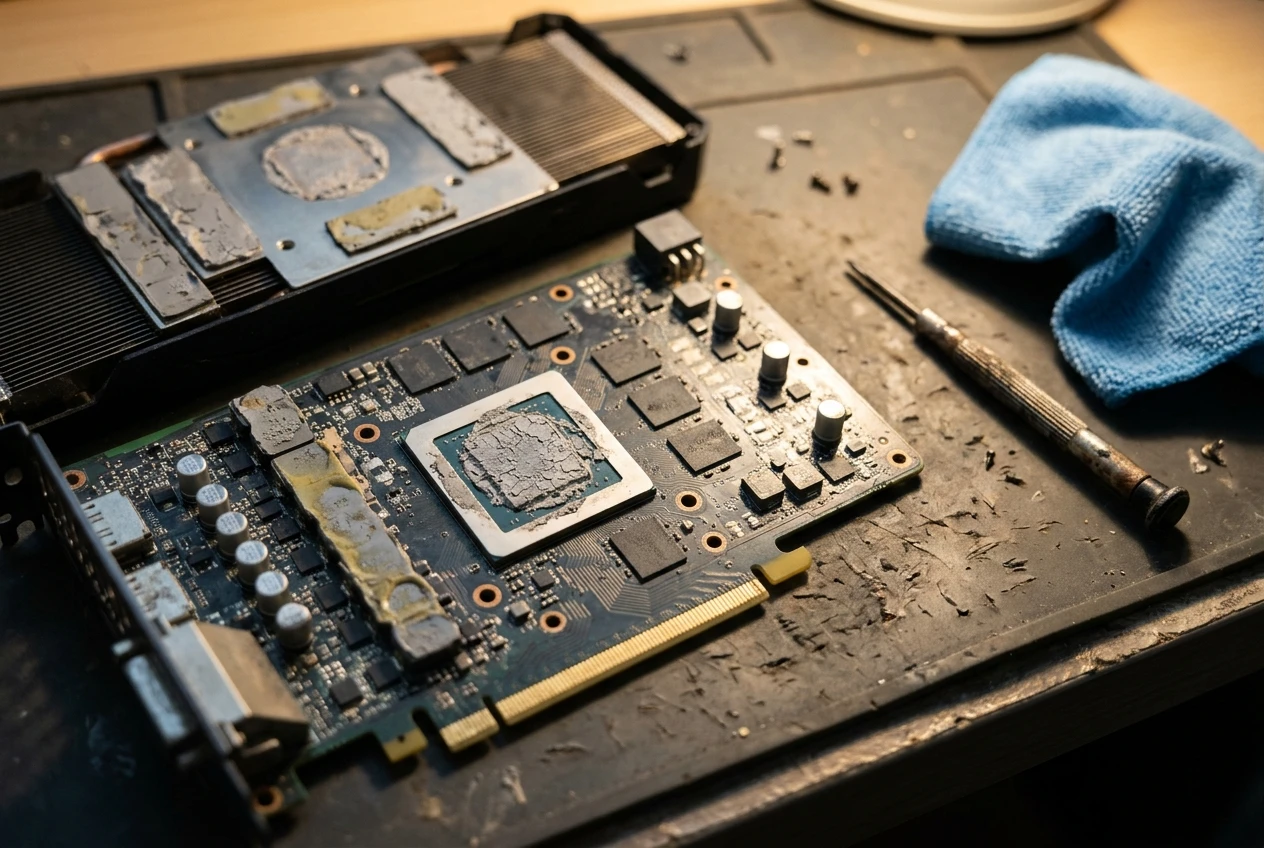
Failing fans. Listen for rattling or grinding, and check that every fan spins freely and starts on its own. Replacement fans are fiddly to fit and not always easy to source for a specific model.
Dodgy listings. Warning signs include stock photos, an “untested” or “spares or repair” description, vague model names, no returns, and a price far below similar listings. Fake or relabelled cards, where the firmware has been altered so the card reports itself as a better model, do exist. You can check for that after installation (see below).
Your rights in the UK: warranty, returns and the Consumer Rights Act
What protection you get depends on who sells the card. This is general information rather than legal advice.
- Trader (a shop, a refurbisher, or a business selling on a marketplace): the Consumer Rights Act 2015 applies, including to second-hand goods. The card must be of satisfactory quality, fit for purpose and as described. What counts as satisfactory takes price and age into account, so a used card is not held to the standard of a new one.
- Short-term right to reject: you generally have 30 days to reject faulty goods bought from a trader and get a full refund.
- After that: you are normally entitled to a repair or replacement. In the first six months, the law presumes a fault was there from the start, so the seller has to show otherwise. After six months, the burden moves to you.
- Online and distance sales from a trader: the Consumer Contracts Regulations give you a 14-day cancellation period from receipt, separate from the faulty-goods rights above.
- Private seller: the Consumer Rights Act’s quality rules do not apply. The card still has to match the description, and the seller must be entitled to sell it, but if it simply stops working a month later you have very little recourse.
- How you pay: a credit card purchase between £100 and £30,000 can give you extra protection under Section 75 of the Consumer Credit Act. Debit card chargebacks and payment-service buyer protection exist but have their own terms and time limits, so read them before you pay.
Check the seller’s own warranty separately. A manufacturer’s warranty often does not transfer to a second owner, so a retailer’s 6 or 12 months of cover is worth more than a box that says “warranty may apply”.
Where to buy: retailer-refurbished, Amazon Renewed or marketplace sellers
Retailer-refurbished and open-box. A retailer is a trader, so the Consumer Rights Act applies, and the warranty and returns terms are written in the listing. This is the safest route for a used card, and the price is usually a bit higher than on a marketplace.
Amazon Renewed. Listings come with a guarantee from Amazon on top of your legal rights, but many are sold by third-party renewed sellers. Check who the seller is, how Amazon describes the grade, and the guarantee and returns period shown on that listing.
Marketplace sellers. On eBay and similar sites, a business seller with a returns policy is a trader and gives you legal protection. A private seller gives you the lowest price and the least protection. For in-person sales from sites such as Facebook Marketplace or Gumtree, only buy if you can see the card running before you hand over money.
Before you buy, check the listing for:
- real photos of the actual card, not stock images
- the exact model name and part number
- the grade and what it covers
- the warranty length in months and who provides it
- the returns window and who pays return postage
- whether the seller is a business or a private individual
- a statement of how the card was tested
- the power connectors it needs, so you can check them against your power supply
The 15-minute check when it arrives
Do this the day the card arrives, while every return option is open.
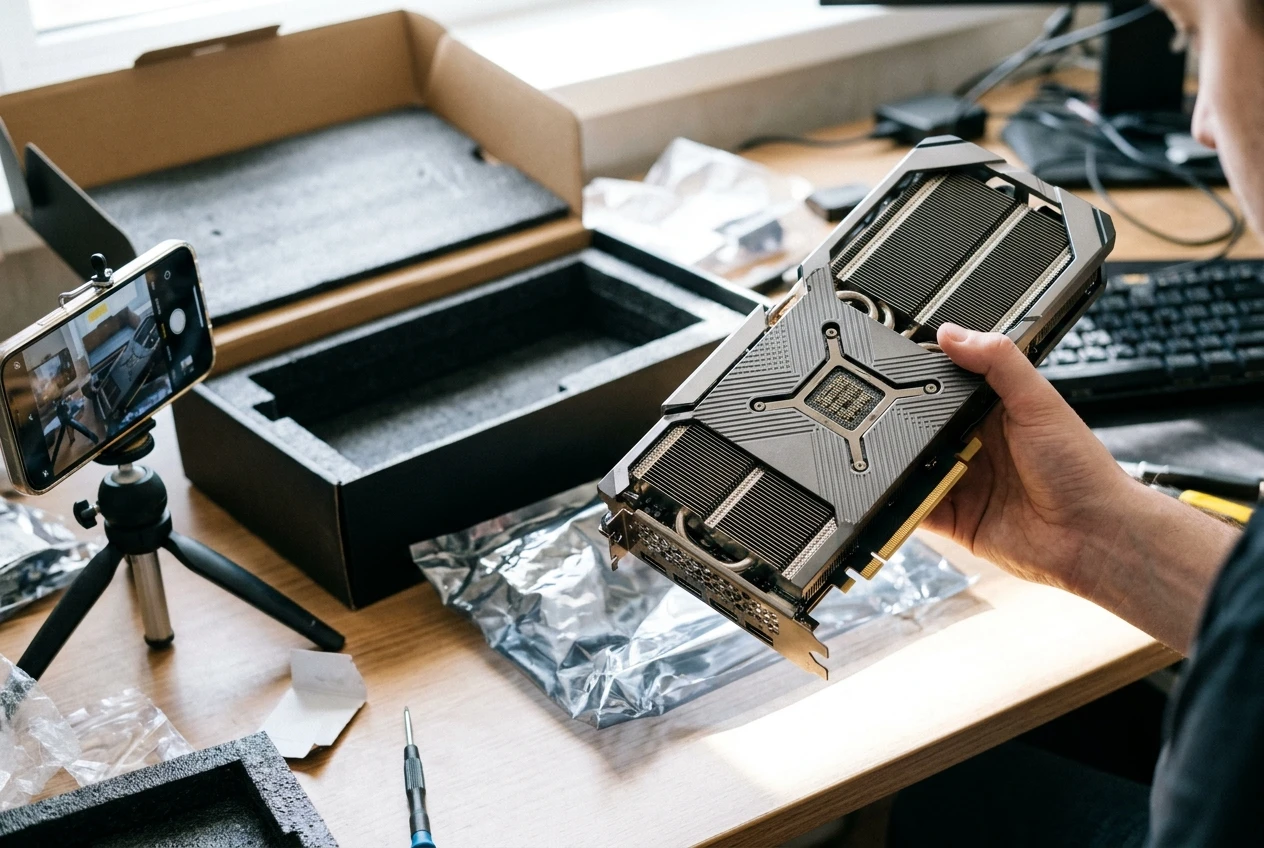
Minutes 1 to 3: inspect it. Film the unboxing. Look for bent fins, cracks in the shroud, rust, a loose or damaged backplate and burn marks on the power connectors. Spin each fan by hand and listen for rough bearings.
Minutes 4 to 6: install and verify. Fit the card, install current drivers and open GPU-Z. Check that the model name and video memory match the listing. If they do not, return it at once.
Minutes 7 to 15: stress test. Run a benchmark loop such as FurMark or a 3DMark test while watching temperatures in HWiNFO or MSI Afterburner. You want to see:

- stable clock speeds that do not keep falling
- temperatures that level off rather than climbing steadily
- fans that ramp up smoothly without a rattle
- no flickering, coloured speckles, black screens or crashes
Compare the temperatures with reviews or the manufacturer’s figures for that exact model. A card that sits far hotter than the same model should is a sign of dry thermal paste or a poor cooler.
Then play a demanding game for an hour or two over the next few days. Some faults only appear after the card has warmed up for a while. If anything fails, start the return straight away, because the 30-day short-term right to reject is easiest to use when you have not waited weeks.
When a new budget card is the smarter buy
Buy new in any of these cases:
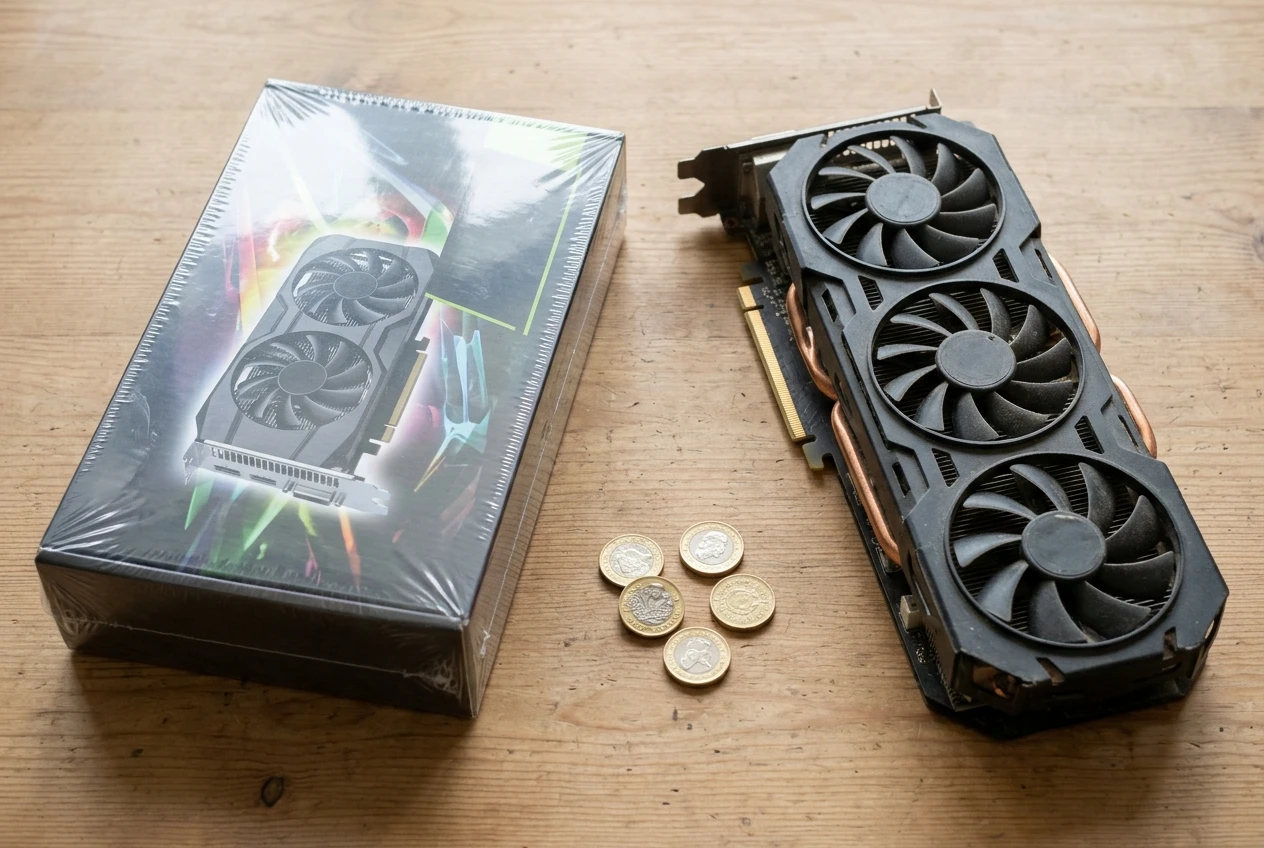
- The saving is small. If the used price is only slightly under a comparable new card, the new card’s full warranty is worth more than the gap.
- The only seller is a private individual and you cannot test the card. No testing and no legal protection is the combination to avoid.
- The cover is short. If a trader offers little beyond the legal minimum on an older card, the risk sits with you after the first month.
- You need current features. If you want the latest upscaling or video encoding, or long driver support, a new card is the safer match.
- Your power supply or case is borderline. An older high-end card can draw a lot of power and take up a lot of space, and a new, more efficient card may fit your existing parts better.
If none of these apply, you are buying from a trader, the warranty is sensible and the price lets you step up a tier, a refurbished card is a reasonable choice.
Your next step: pairing the card with a PC you’ve already tuned
A card only performs as well as the system around it. Before you spend anything, the guide on getting more FPS from your existing PC covers the free changes that make any GPU, new or used, run better. If you are planning a whole machine around the card, the budget PC build guide shows where a graphics card fits in the total spend.
When you are ready to compare prices, the Amazon Associates links on this site show current listings for both refurbished and new budget graphics cards, so you can set a used price against a new one before you decide.