
Most budget mouse pad lists rank products from one to ten as if every gamer sat at the same desk and played the same way. A pad is better judged on two things: how fast the surface lets the mouse move, and how much room it gives your arm. Get those two right and almost any decent cloth pad will do the job. Get them wrong and a well-reviewed pad will still feel off.
This guide sorts the choice by surface and size, then maps both to FPS, MMO and casual play. If you are searching for the best gaming mouse pad UK buyers can afford, this is the order to decide in.
Speed or control: how pad surface changes your aim
A mouse pad surface sits somewhere on a line between speed and control.
A speed surface has a smooth, tight weave with little friction. The mouse starts moving with a light push and keeps gliding, which suits quick flicks and fast turns. The cost is that stopping precisely takes more effort, because the mouse wants to carry on.
A control surface has a slightly rougher texture and more friction. You need a bit more force to start moving, but the mouse stops where you stop it. That helps with small corrections, tracking a moving target and holding a crosshair on a head-sized target.
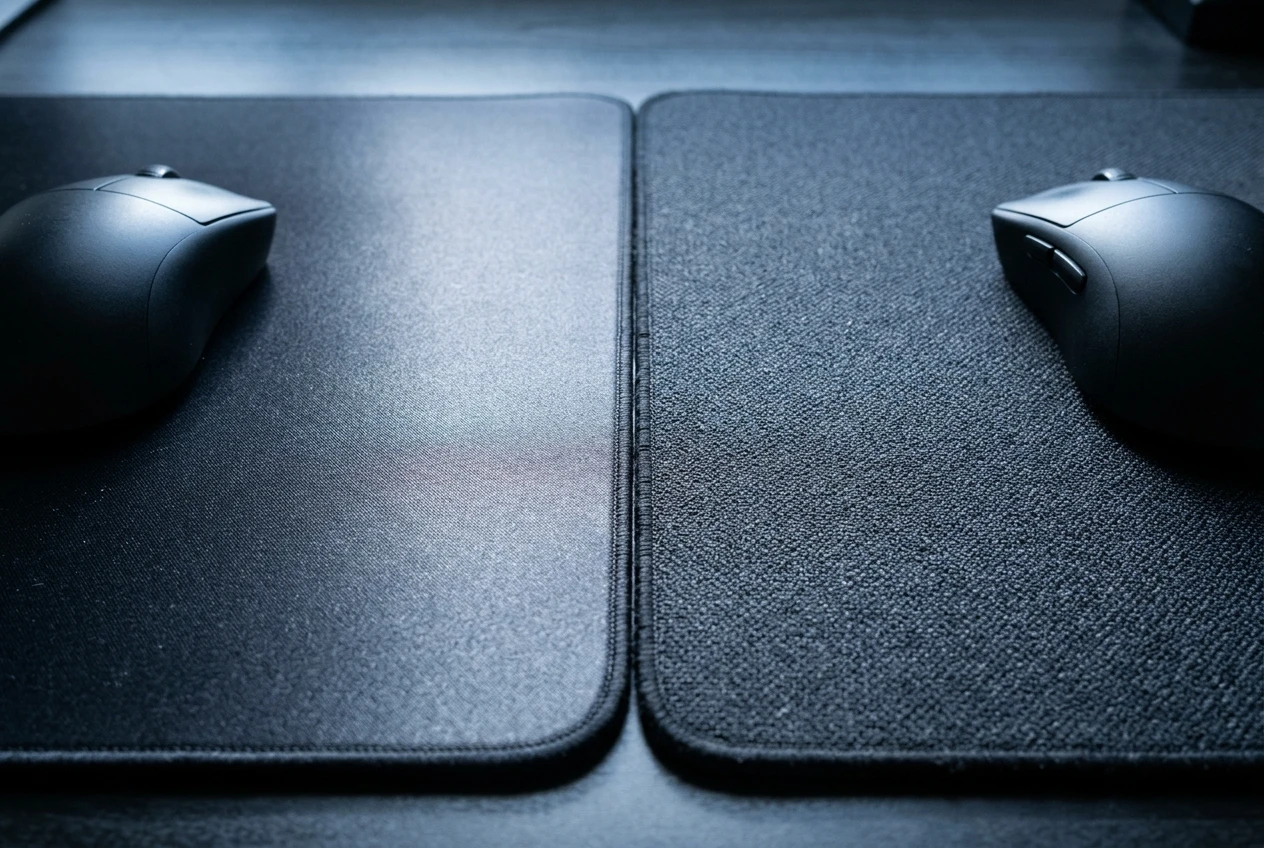
Neither is better. A faster pad rewards players who snap between targets, and a slower pad rewards players who make careful adjustments. Many budget cloth pads sit in the middle, which is a sensible default if you are unsure.
Your mouse matters too. A very light mouse already moves easily, so a control-leaning pad can balance it. A heavier mouse on a fast pad can feel hard to stop.
Size matters more than most budget buyers think
Surface gets the attention, but size changes how you play more. The pad has to be big enough for your full mouse movement at your sensitivity, or you will run out of room mid-swipe and have to lift and reposition.
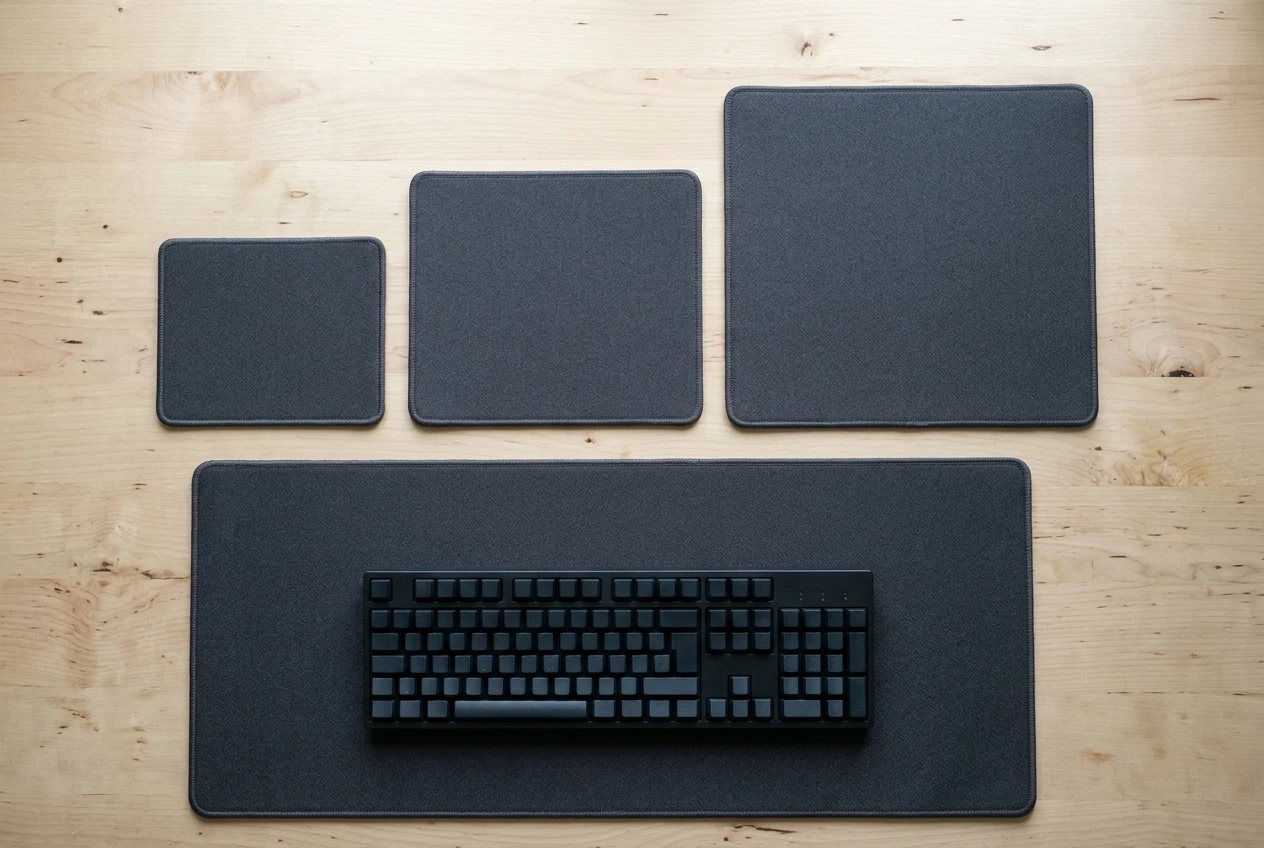
- Small (roughly the size of a sheet of paper or smaller): Fits tight desks and suits high-sensitivity players who move only their wrist. It leaves no space for your mouse hand to travel, so it is a poor match for large arm sweeps.
- Medium: The most useful size for most people. It gives room for moderate sweeps and fits a standard desk next to a keyboard.
- Large: Gives space for a low-sensitivity arm swing and room to rest the mouse hand. It needs a deeper desk.
- Desk-length (extended): Runs under both keyboard and mouse. It keeps both on one consistent surface, protects the desk and gives the most room, but needs a desk wide enough for it. Measure before you buy.
A practical test: put your mouse in the middle of your desk space, then swipe from one side of your screen to the other at your usual sensitivity. The distance your mouse travels is the minimum room you need to the left and right.
Best budget mouse pads for FPS: low-sensitivity and high-sensitivity players
FPS players split into two groups, and they need nearly opposite pads.
Low-sensitivity FPS players
If you turn 180 degrees with a big sweep of your arm, size is your first priority. Look for a large or desk-length cloth pad with a control or balanced surface. The extra space stops you running off the edge, and the added friction helps with precise stops when you aim.
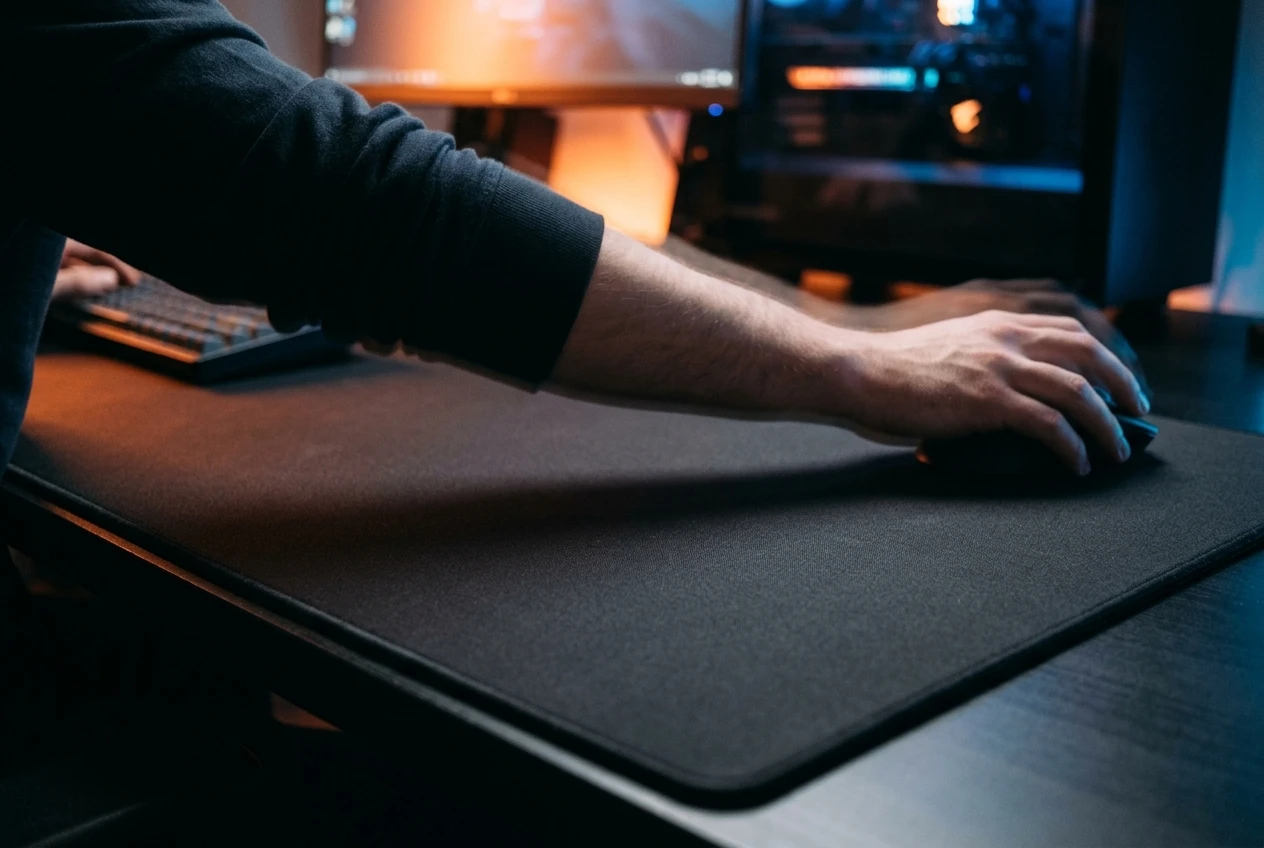
Pad lines in this mould include the SteelSeries QcK range and the Razer Gigantus V2. Both come in several sizes, so check the listing for dimensions and the current price in pounds before choosing the one that fits your desk.
High-sensitivity FPS players
If you play with small wrist movements, a small or medium pad is plenty. A speed-leaning cloth surface lets quick flicks happen with little effort, and a smaller pad is cheaper and easier to fit on a crowded desk. A speed pad such as the Razer Goliathus Speed is the type to look for here.
Stitched edges are worth looking for on any FPS pad. They help the pad hold its shape at the borders, where mouse feet catch and fray cheap fabric first.
Best budget mouse pads for MMO and strategy: room for macros, a wrist rest and long sessions
MMO and strategy games use the whole desk. Your left hand works a keyboard with many bound keys, and your mouse hand clicks small interface elements for hours. Speed matters less than comfort and space.
Prioritise these:
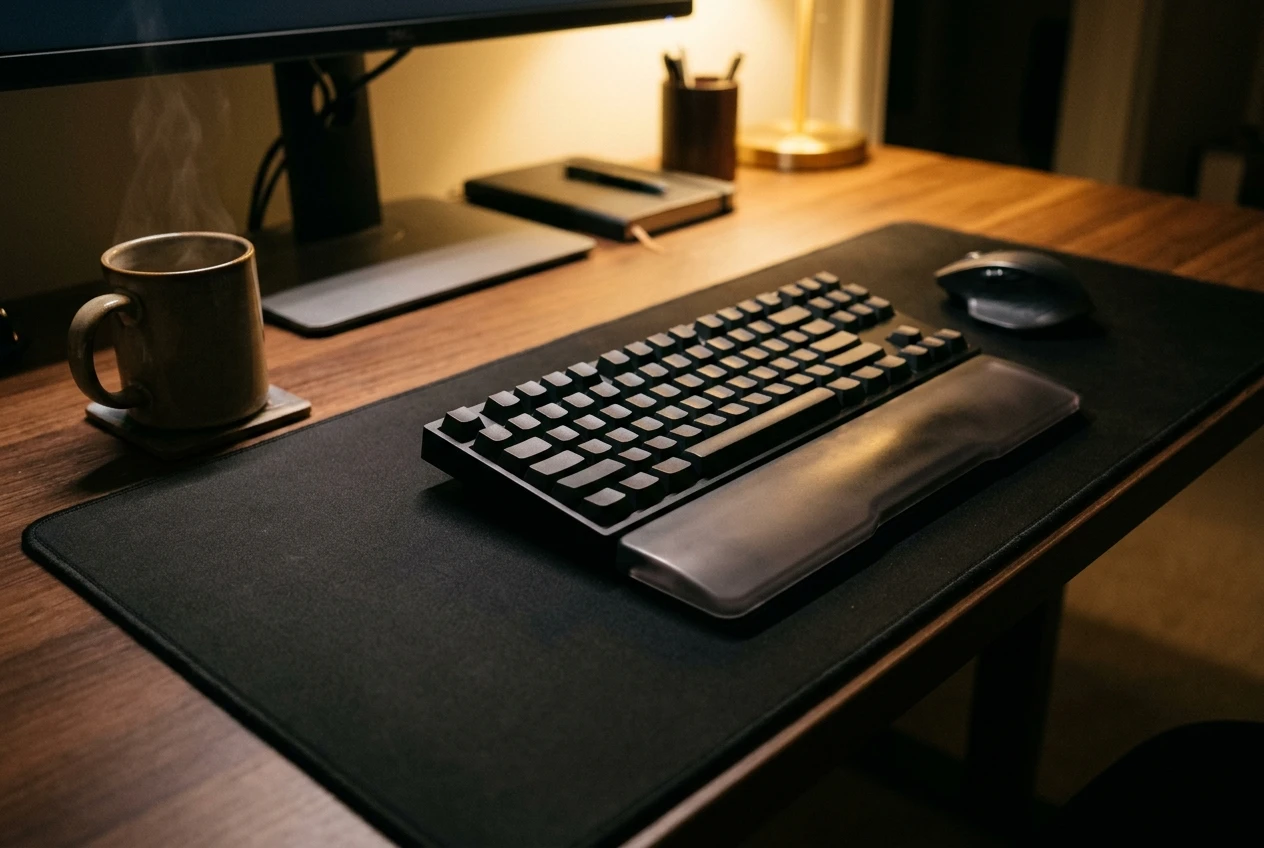
- A large or desk-length pad. Keyboard and mouse on one surface is comfortable, and it means your wrists land on the same fabric for the whole session.
- A control or balanced surface. Clicking small icons and targeting with precision benefits from a mouse that stops when you want it to.
- A soft, thicker pad or a separate wrist rest. Long sessions are hard on the wrist, and a little padding at the edge of the desk makes a real difference.
A desk-length cloth pad covers most of this at a modest price. If you are choosing a keyboard at the same time, our guide to the best cheap mechanical keyboards for gaming in the UK pairs naturally with it, since a desk-length pad needs room for both.
A pad with a rubber base is also worth checking for. A big pad that slides around the desk is annoying during a long raid or a tense match.
Best budget mouse pads for casual gaming and everyday desk use
If you play a mix of games, browse and work at the same desk, you do not need a specialised pad. A medium cloth pad with a balanced surface is the safest choice. It handles gaming without favouring speed or control, and it feels fine for everyday use.
For casual use, the things to check are:
- Base grip. A non-slip rubber base keeps the pad still without double-sided tape.
- Edge finish. Stitched edges last longer, which matters more to a casual buyer than a slightly faster glide.
- Size for your desk. A medium or large pad is comfortable for daily use, and a desk-length pad gives a tidy look if you have the width.
- Price. For this use, a simple, inexpensive pad is the right spend. Casual play gains little from a premium surface.
Models such as the HyperX Fury S or Corsair MM300 lines are typical of the budget cloth pad type. Check size options and the current price on each listing, since they vary.
Cloth, hard or hybrid: which material lasts on a tight budget
Cloth is the standard budget choice. It is comfortable, quiet, cheap and available in every size. The downsides are that it collects dust and spills, and that heavy use eventually wears the surface where your mouse travels most.
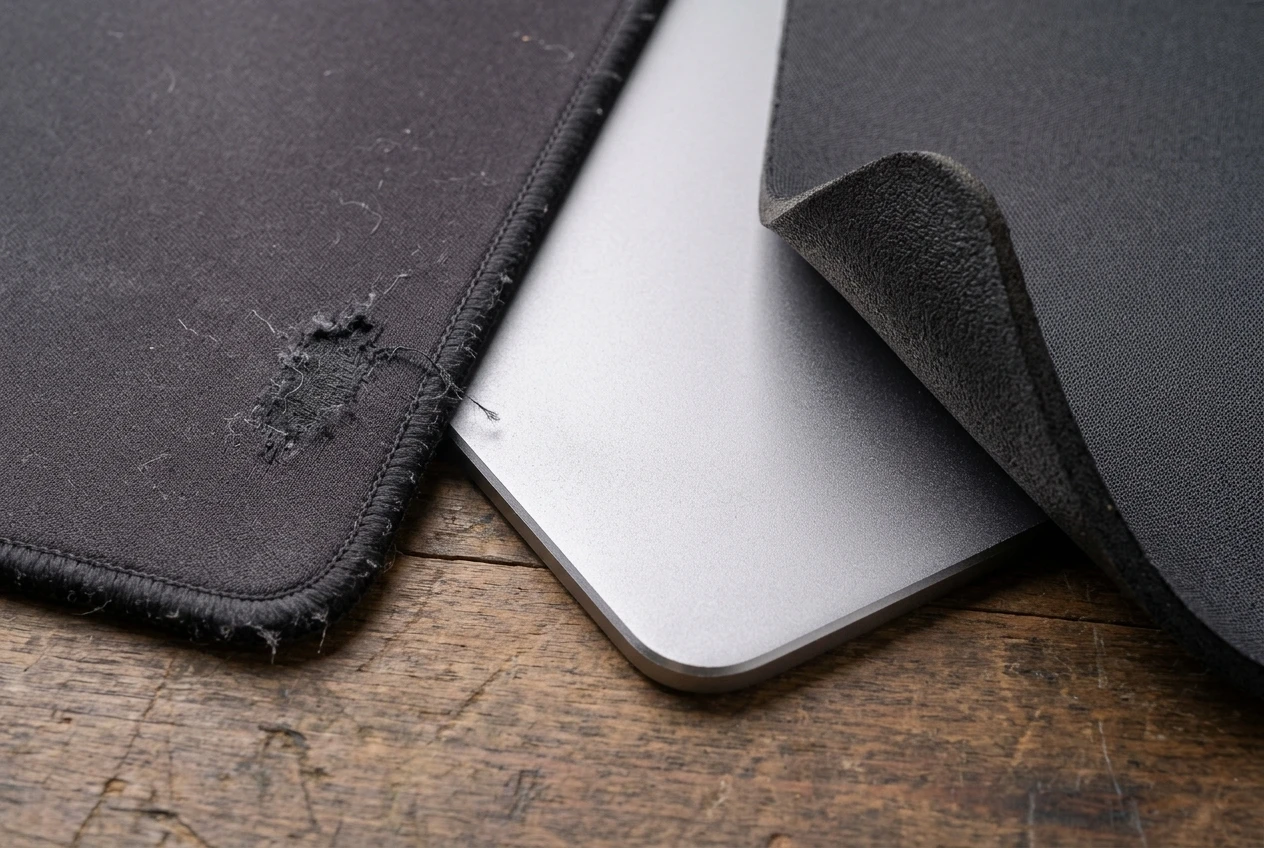
Hard pads, usually plastic, aluminium or glass-style surfaces, are smooth and easy to wipe clean. They are generally fast, and they tend to stay consistent over time because the surface does not fray. They cost more than basic cloth, can be louder under a mouse, and are less comfortable for your wrist unless you have a separate rest.
Hybrid pads combine a textured or coated surface with a cushioned base, trying to offer cloth comfort with a more consistent surface. Their quality varies, so read the listing details and reviews.
On a tight budget, cloth with stitched edges is the safest buy: the lowest price and the broadest choice of sizes. Move to a hard surface only if you want a very fast glide and are happy to pay more for it.
How to match a pad to your mouse, and when a pad is the cheapest upgrade
The pad and mouse work as a pair, so choose them together.
- Lightweight mouse: A balanced or control-leaning pad stops it overshooting.
- Heavier mouse: A faster surface reduces the effort of moving it.
- Wired mouse: Cable drag on the pad edge can undo the benefit of a good surface. If that bothers you, read our honest answer on whether you need a mouse bungee before spending on one.
If you are still deciding between brands, our comparison of HyperX vs Razer budget gaming mice covers the mouse side in detail.
A pad is often the cheapest upgrade you can make. If you are using a worn pad, a bare desk or a slick surface, replacing it improves tracking consistency for far less than a new mouse costs. If your aim feels inconsistent and your mouse is fine, look at the surface under it first.
Quick picker: your play style, desk width and budget in one table
Play style Surface Size Material Budget approach FPS, low sensitivity Control or balanced Large or desk-length Cloth, stitched edges Spend on size first FPS, high sensitivity Speed Small or medium Cloth Keep it small and simple MMO and strategy Control or balanced Desk-length Cloth, thicker base Pay for size and comfort Casual and everyday Balanced Medium Cloth, non-slip base Choose the cheapest decent option
If your desk is narrow, choose the largest size that fits without hanging over the edge. If you are unsure between two sizes, take the larger one, since running out of room is the most common complaint.
Pick your pad
Check the current price in pounds on Amazon for the pad that matches your play style, then read our best lightweight budget gaming mice guide next to pair it with the right mouse.