
Choosing between a HyperX and a Razer mouse for under about £40 comes down to a handful of practical differences: shape, weight, switches, software and what happens if the mouse fails. The brand names matter much less than those details. This comparison covers the points that affect a UK buyer shopping in pounds on Amazon.co.uk, and ends with a pick for each type of player.
One note first: budget mouse prices and stock change often, so this article does not quote prices that could be out of date by the time you read it. Check each listing before you buy.
The short answer: which brand wins at which price
Pick by shape first, weight second and software third. A mouse that does not fit your hand will feel worse than any spec sheet suggests, and the sensors at this price are close enough that they rarely decide the matter.
- Want the lightest mouse you can afford for shooters? Compare HyperX’s Pulsefire Haste line with Razer’s Viper Mini. Both are aimed at that buyer, and the lighter one that fits your hand wins.
- Want a larger, comfortable shape for long sessions? Razer’s DeathAdder-style ergonomic shape is the stronger starting point, because that shape has long been Razer’s signature.
- Spending as little as possible? HyperX’s Pulsefire Core and Razer’s DeathAdder Essential sit at the cheapest end. Treat them as a straight shape-and-feel choice.
What each brand’s entry-level range looks like in the UK right now
Both brands sell a few wired mice at the low end, and they fall into two groups. The first is the cheapest, heavier ergonomic mice: HyperX Pulsefire Core and Razer DeathAdder Essential. The second is the lightweight mice that sit near the top of a £40 budget: HyperX Pulsefire Haste and Razer Viper Mini.
Listings get replaced, variants appear, and older models get discounted. Before you commit, confirm three things on the Amazon.co.uk page: the exact model name, the weight in grams, and whether the seller is Amazon or a third party. Mouse names are similar enough across generations that it is easy to buy the wrong one.
Also check that you are looking at a wired model. Wireless versions of the same names exist at higher prices, and they are a different purchase.
Sensor and tracking: does the spec sheet matter at this price?
Spec sheets at this price lean on maximum DPI figures. Those numbers are largely marketing, because most players run somewhere between 400 and 1600 DPI. A mouse that can reach a much higher setting gives you nothing you will use.
Sensor quality shows up in different ways. A good sensor tracks consistently when you flick across the mousepad, does not spin the cursor on its own, and stays accurate at your normal sensitivity. For competitive play at 1080p, either brand’s current budget sensors should handle that. If you want a figure to compare, look for the stated maximum tracking speed and acceleration on each listing, and treat large gaps as meaningful and small ones as noise.
Your mousepad affects tracking too. A cheap, worn or glossy surface can make a good sensor behave badly. If your mouse feels erratic, try a different pad before blaming the sensor.
Shape, weight and grip: palm, claw and fingertip fit
Shape decides whether you like a mouse more than any other factor, so work out your grip before you compare brands.
- Palm grip: your whole hand rests on the mouse. A longer, taller, ergonomic body suits this, which points to the DeathAdder-style shape or HyperX’s Pulsefire Core.
- Claw grip: your palm touches the back and your fingers arch. A mouse with a rear hump and a medium body works well, and a compact lightweight mouse suits many claw users.
- Fingertip grip: only your fingertips touch the mouse. A small, light body makes small corrections easier, which favours the Viper Mini or a Haste-style mouse.
Weight matters most for fast aim in shooters. A lighter mouse takes less effort to start and stop, but it can feel twitchy if you prefer steady, deliberate movement. Heavier mice feel planted and suit players who use big arm swings at low sensitivity.
Compare the stated weights on the listings rather than trusting a “lightweight” label. Also check hand size: measure from your wrist crease to the tip of your middle finger and compare with the mouse’s stated length. A body that is too small cramps, and one that is too large makes precise flicks harder.
Left-handed players should check carefully. Many ergonomic budget mice are right-handed only, so look for the word “ambidextrous” or “symmetrical” in the product details.
Switches, scroll wheel and build quality over months of use
The switch under each main button decides how a mouse feels and how long it lasts. Budget mice from both brands use switches rated for tens of millions of clicks, and the rating is a manufacturer’s figure rather than a guarantee. Any mouse switch can start to double-click as it ages, regardless of brand, so the length of the warranty matters more than the click rating.
When the mouse arrives, check these straight away:
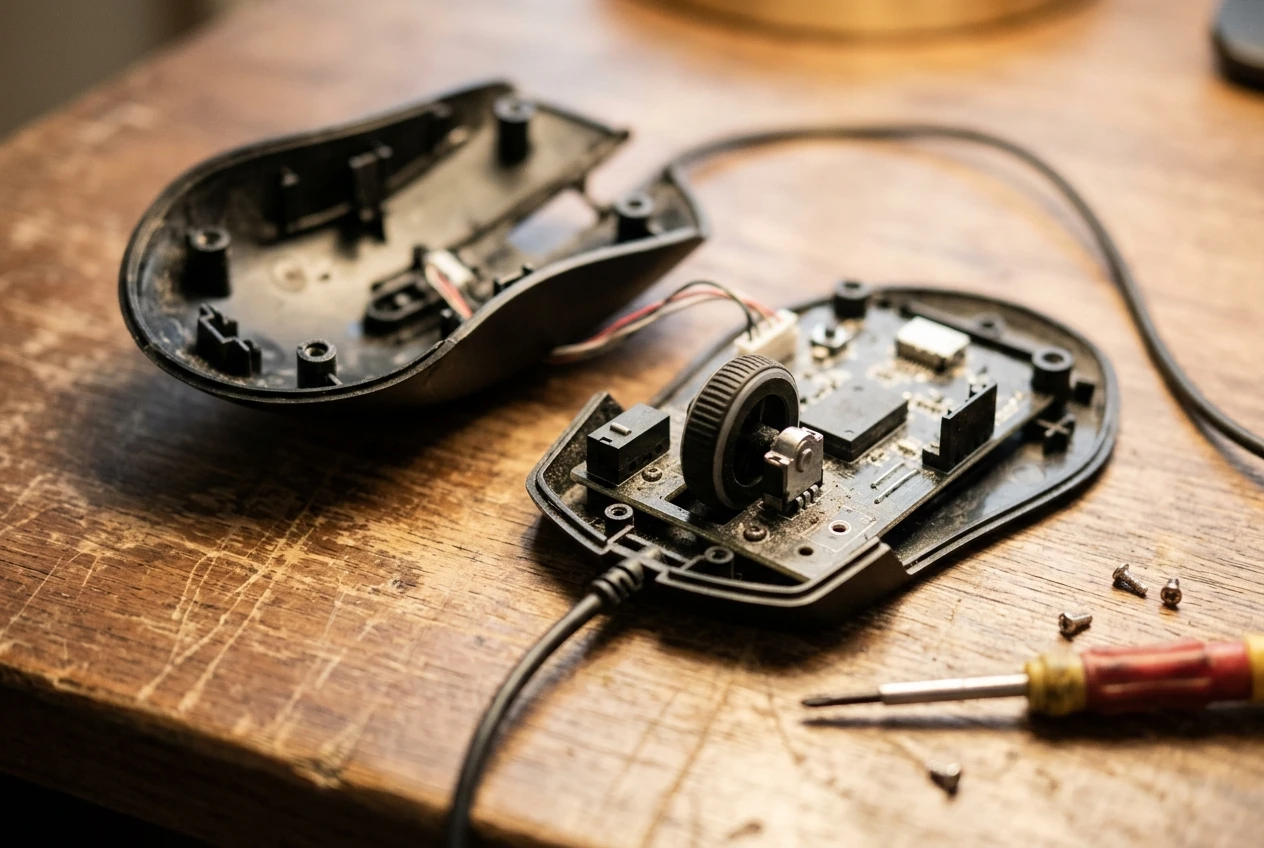
- Each main button clicks cleanly with no mushy travel.
- The scroll wheel has distinct steps and does not skip when you scroll slowly.
- The body does not creak when you squeeze it.
- The cable is flexible and does not tug the mouse sideways.
The cable is easy to overlook. A stiff cable drags on the desk and undermines a lightweight mouse, and a soft, flexible one lets the mouse move freely. Use a mouse bungee or clip the cable to the desk edge if it catches.
Do all of this inside your return window. Problems that show up in the first week are the ones a return fixes with no argument.
Software and onboard memory: Razer Synapse vs HyperX NGENUITY
Both brands have configuration software: Razer Synapse for Razer mice and HyperX NGENUITY for HyperX. You use either to change DPI steps, remap buttons, adjust lighting and set a polling rate where the mouse allows it.
Check whether the mouse you are buying has onboard memory. With onboard memory, your settings are saved on the mouse itself, so they follow it to a different PC, a work laptop or a friend’s setup without installing anything. Without it, the mouse may revert to defaults when the software is not running. Not every budget model has it, so look in the product description or on the manufacturer’s page for the specific mouse.
Two practical points apply to both. First, install the software once, set your DPI and buttons, and see whether the settings survive a restart with the software closed. Second, if you are comfortable with the mouse’s default behaviour, you may not need the software at all. A mouse that works well out of the box saves you background programs running on an older PC, which matters if you are already squeezing performance out of weak hardware. If that is your situation, our guide to getting more FPS from your existing PC covers what to adjust before spending anything.
Warranty and UK availability from Amazon.co.uk
Both brands sell through Amazon.co.uk, and the listing tells you who is actually selling the mouse. Look for “dispatched and sold by Amazon” or the brand’s official store. A third-party seller with a stock-clearing price may be selling imported or old stock, and it can complicate a warranty claim.
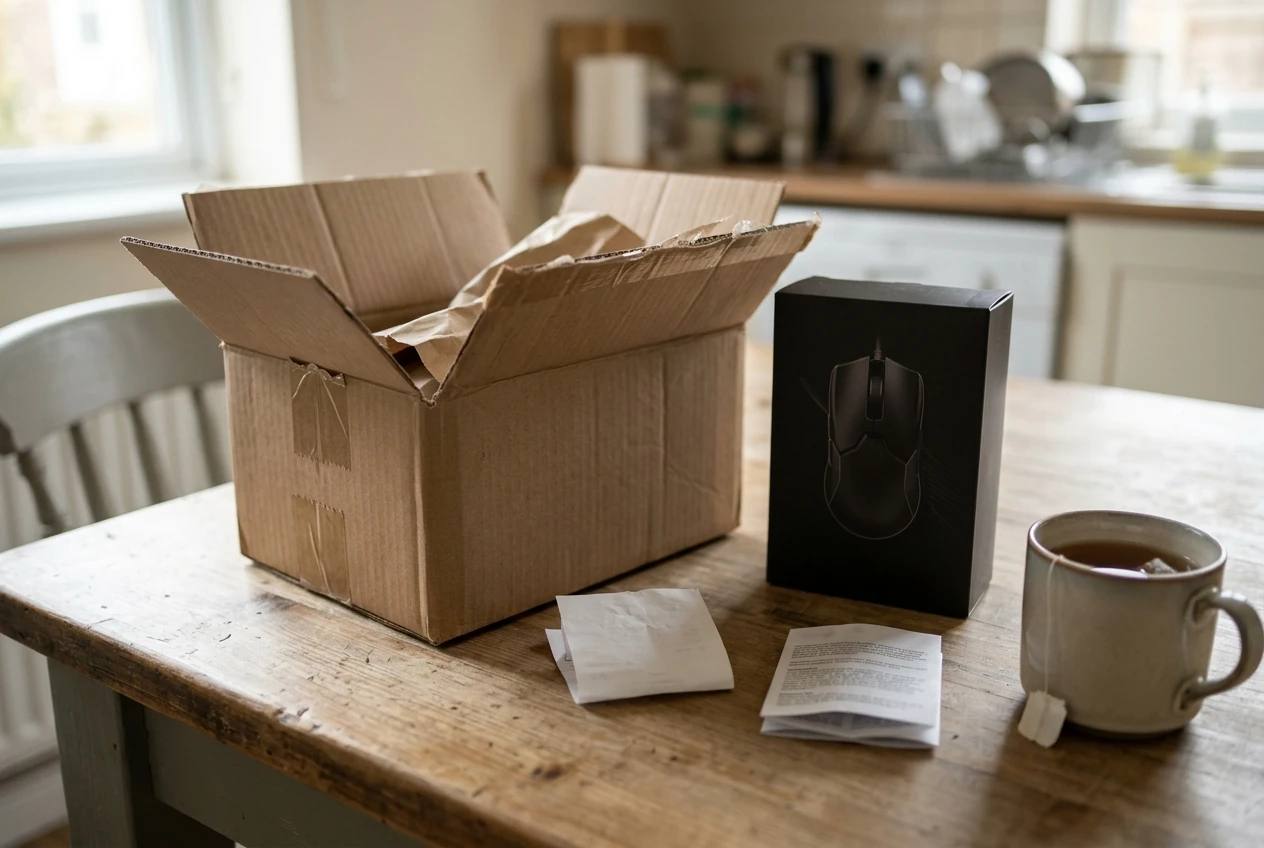
Each manufacturer sets its own warranty length, and the terms differ by model and region. Read the warranty line on the listing or on the brand’s UK support page, and note whether you need proof of purchase and where you send a claim. Keep your order confirmation.
In the UK you also have statutory rights that do not depend on the brand’s warranty. Goods must be of satisfactory quality, fit for purpose and as described. You generally have 30 days to reject faulty goods for a refund, and after that a right to repair or replacement. This is why buying from a UK seller with a clear return process matters more than a few pounds saved from an unknown one.
Our pick for FPS, MMO and all-round play
FPS players: Choose the lightest mouse of the lightweight pair that fits your hand, which means HyperX’s Haste line or Razer’s Viper Mini. If your hand is small to medium and you use a claw or fingertip grip, the Viper Mini’s compact body is the safer fit. If you prefer a slightly longer body, the Haste line is the better test. Whichever you pick, verify the weight and price on the listing, because this is the segment where prices move most.
MMO players: The cheapest mice from both brands typically have only two side buttons, which is thin for an MMO. Neither brand’s lowest tier is a real MMO mouse. If you play an MMO casually, pick the one whose software remaps buttons easily and whose shape suits you, and expect to bind a few actions to a keyboard. If you play heavily, a mouse with a grid of thumb buttons is worth saving for.
All-round play: For a mix of shooters, browsing and strategy games, the ergonomic Razer DeathAdder Essential or HyperX Pulsefire Core makes the most sense at the lowest price, and the DeathAdder’s shape is more suitable for palm grip users. Take the one that fits your hand and has the better seller and warranty on the day you shop.
If a mouse is one part of a wider upgrade, our guide on how to build a budget gaming setup shows where a mouse sits among the other purchases.
Check the current price of each mouse on Amazon.co.uk before you buy, since budget mouse prices shift often, and read our best lightweight budget gaming mice list if you want more options beyond these two brands.